padArchiver 
Tool to store pads (from url) into local directory and IPFS.
The tool is composed by different tools around the library:
- webServer
- listPadsImporter
- apiServer
- cli
All the necessary files are in the /build directory. Can be build using the 'bash build.sh' script.
1.- webServer
This is a webserver that automatically generates a web from the pads directories and files stored. To run, inside 'build' directory:
./webServer
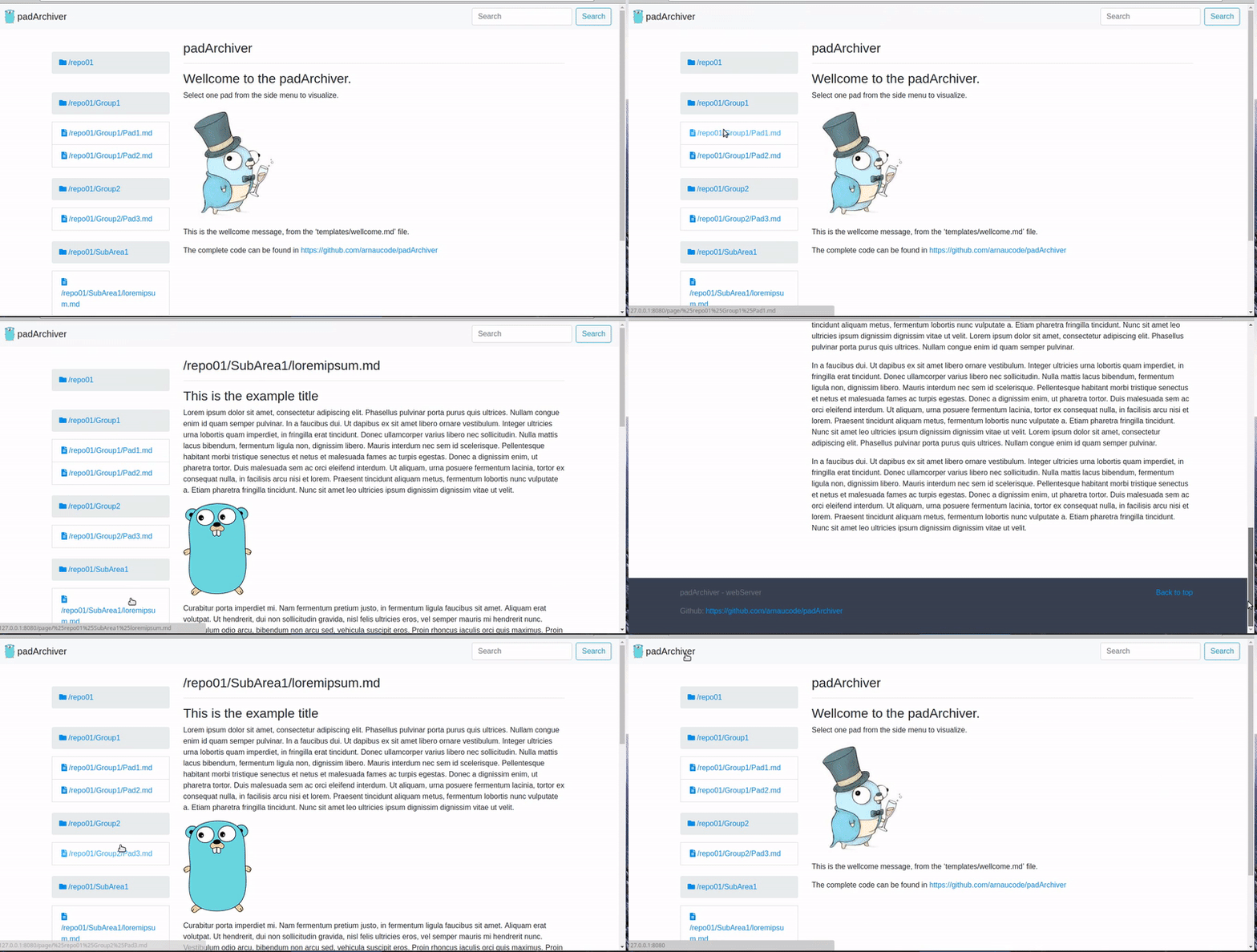
The html template can be easily changed.
2.- listPadsImporter
This is to import all pads from the json file 'list.json'. Just need to edit the json file, for example:
{
  "repoid": "repo01",
  "pads": [
    {
      "link": "http://board.net/p/pad1",
      "dir": "Group1",
      "title": "Pad1"
    },
    {
      "link": "http://board.net/p/pad2",
      "dir": "Group1",
      "title": "Pad2"
    },
    {
      "link": "http://board.net/p/pad3",
      "dir": "Group2",
      "title": "Pad3"
    }
  ]
}
To run, inside 'build' directory:
./importFromList
3.- apiServer
This is an API to run in localhost.
Run
To run using the compiled binary:
- The Git repo needs to be initialized, and with the remote already configured.
- The IPFS daemon needs to be running:
> ipfs daemon
- Edit the file config.json to configure the desired port:
{
  "port": "3080"
}
- Execute the API server, inside the directory 'build':
> ./padArchiver-APIserver
API Routes
- GET /repos
this returns:
[
  'repo01',
  'repo02'
]
- GET /repos/{repoid}
this returns:
[
  'repo01',
  'repo01/Group1',
  'repo01/Group1/Pad1.md',
  'repo01/Group2',
  'repo01/Group2/Pad2.md',
  'repo01/Group2/Pad3.md',
  'repo02/GroupA/Pad1.md'
]
- POST /repos/{repoid}/pad
data to send:
json: {
  "link": "http://board.net/p/pad1",
  "dir": "Group1",
  "title": "Pad1"
}
this returns:
{
  "link": "http://board.net/p/pad1",
  "dir": "Group1",
  "title": "Pad1",
  "ipfsHash": "QmVyp4JSREK5syLmNRCafkZkhzC7CfvS9qYWKfvfffqK2B"
}
The IPFS hash is also added to the first line of the document, before adding the document to Git.
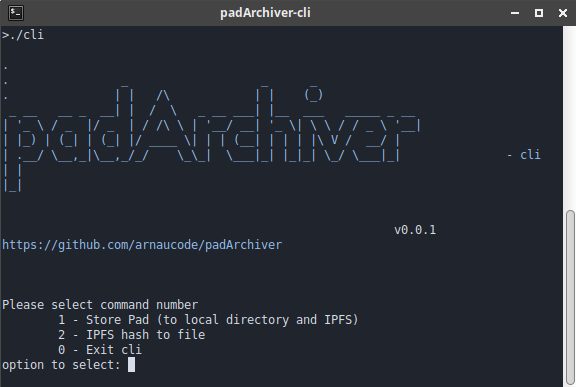
4.- cli
To run the CLI, just need to run inside the directory 'build':
./padArchiver-cli
And follow the instructions.